For years, IT modernization followed a simple, unspoken rule: new architecture means starting over. New system, new process, new everything — rip out what’s old and rebuild.
That assumption rarely holds up where it matters most: IBM i document management — what actually happens to the output IBM i produces every single day.
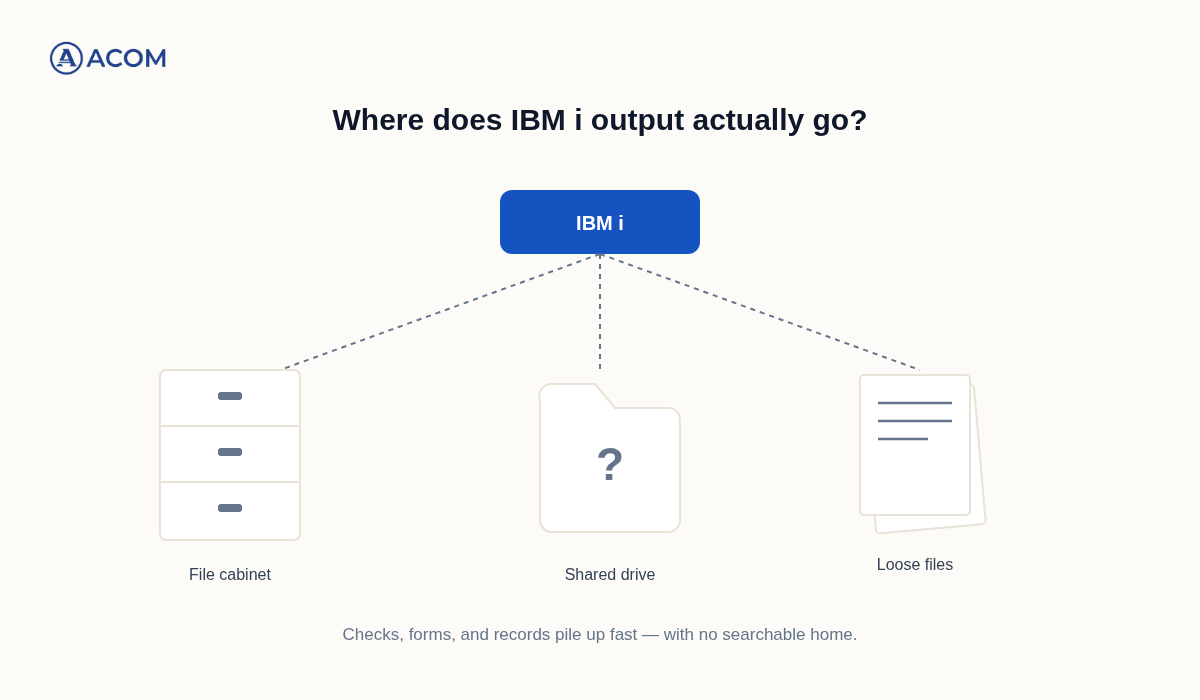
IBM i generates an enormous amount of critical paper and digital output — checks, invoices, statements, shipping labels, HR records, compliance forms. The platform itself handles this reliably, the same way it’s handled transaction processing for decades. The question most organizations haven’t actually answered is what happens to that output after IBM i creates it.
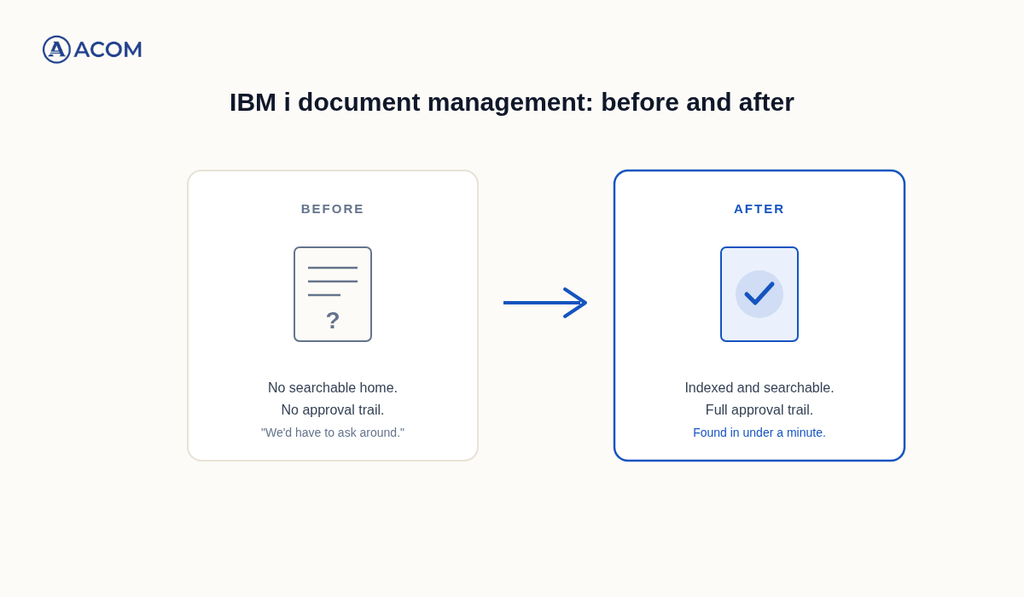
For a lot of teams, the honest answer is: it scatters. A printed check goes to a file cabinet. A statement gets saved to a shared drive, in a folder named by whoever happened to save it that week. A form goes out over email with no record of who received it or whether it was ever signed. None of this was a deliberate decision — it’s just what accumulated over years of nobody being assigned to fix it. If any of that sounds familiar, here are five signs worth paying attention to — not because IBM i needs to change, but because what happens to what it produces might.
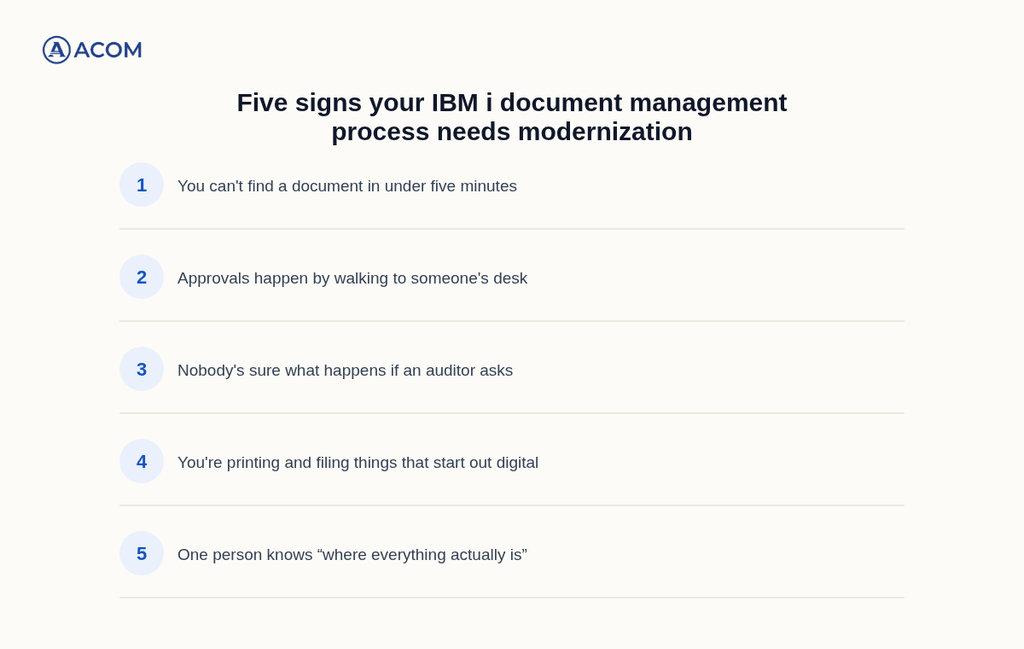
1. You Can’t Find a Specific Document in Under Five Minutes
Here’s a simple test: pick any check, form, or statement generated in the last six months, and see how long it takes to actually locate it. Not reconstruct it from the underlying data — physically or digitally find the document itself, in the form it was originally produced.
If the honest answer involves checking three different shared drives, calling someone who “might remember,” or walking to a file cabinet and hoping it’s filed correctly, that’s not a people problem. It’s a sign that IBM i’s output never had a real home to begin with — just wherever it happened to land.
2. Approvals Happen By Walking Over to Someone’s Desk
A lot of organizations have an approval process that works entirely on habit and proximity: a form prints, someone walks it to a manager’s desk, the manager signs it, it walks back. Or the digital equivalent — a PDF gets emailed around until enough people have replied “approved.”
This works, in the sense that approvals eventually happen. What it doesn’t do is leave any record. If someone asked next month who approved a specific document, and when, and whether anyone flagged a concern first, the honest answer is often “we’d have to ask around.” A process that depends entirely on people remembering is a process with no actual audit trail — it just hasn’t been tested by anyone who needed one.
3. Nobody Can Say For Certain What Happens If an Auditor Asks
This is the sign that tends to get attention fastest, because it’s the one with a deadline attached. If an auditor — internal or external — asked for a specific document tomorrow, along with proof of who touched it and when, how long would it actually take?
If the honest estimate is measured in hours or days rather than minutes, that’s not a reflection of your team’s diligence. It’s a reflection of a document process that was never built with retrieval in mind. Organizations with this genuinely solved don’t scramble when the request comes in — the document was indexed and the approval trail existed the moment the document was created, not reconstructed after the fact under pressure.
4. You’re Printing and Filing Things That Start Out Digital
IBM i produces most of this output digitally in the first place — the check, the form, the statement exists as data before it exists as paper. And then, somewhere in the process, someone prints it, signs it physically, and files it in a cabinet.
That’s not always wrong — some documents genuinely need a physical signature or a physical copy for legal reasons. But a lot of printing happens purely out of habit, not requirement: nobody ever asked whether a digital signature and a digital file would satisfy the same need, because the printed-and-filed version is just how it’s always been done. Every one of those unnecessary print-and-file steps is manual labor, storage cost, and retrieval difficulty that a born-digital document wouldn’t carry.
5. One Person Knows “Where Everything Actually Is” — And They Won’t Be Here Forever
This is the sign that matters most, because it’s about risk rather than inconvenience.
If there’s a specific person on your team who’s simply better at finding old documents than anyone else — because they remember which shared drive, which naming convention, which file cabinet drawer — that knowledge is doing the job a real system should be doing. It’s valuable today and it’s a liability the moment that person is unavailable, whether that’s a vacation, a leave, or a retirement.
Document and AP teams nationally skew toward longer tenure and are retiring faster than most organizations are replacing that institutional knowledge. A document process that only works because one specific person remembers how it works isn’t a stable process — it’s a countdown.
The Real Modernization Question
None of these five signs are about whether IBM i is still a good platform for your business. It is — reliable transaction processing is exactly what IBM i continues to do well, and that isn’t what’s creating the friction described above.
The real question is whether what IBM i produces — the checks, forms, labels, and records — has a real IBM i document management system around it, or just an accumulated set of habits nobody ever revisited. That distinction matters, because it changes what “modernizing” actually means here. This was never a conversation about replacing IBM i. It’s a conversation about giving its output the same reliability the platform itself already has.
What Better IBM i Document Management Looks Like in Practice
Fixing this doesn’t require a big-bang project, and it definitely doesn’t require touching IBM i itself. Organizations that do this well tend to treat it as incremental, practical work:
- Start with whatever document type causes the most pain today. For a lot of teams that’s AP-related — checks and vendor forms — simply because of volume and audit sensitivity. It doesn’t have to be everything at once.
- Give documents a searchable home before adding anything else. Indexing what already exists solves “we can’t find it” immediately, before any workflow or approval automation gets layered on top.
- Build the approval trail in from the start, so retrieval and accountability are a byproduct of the process working correctly — not a separate reconstruction project every time someone asks a question.
Done this way, modernizing your document process becomes a steady, low-risk improvement rather than a disruptive one. IBM i earned its reputation for reliability by not requiring constant, high-risk change. What happens to the output it generates deserves that same standard.
If any of the five signs above sound familiar, it’s worth taking a closer look at where your checks, forms, and records actually end up today — not to change what IBM i does, but to find out what organizing around it could save your team.