For a lot of IBM i shops, the platform itself was never the problem. It’s rock-solid, it’s been running mission-critical workloads for decades, and it earns the trust IT teams place in it every day.
But trust in the platform can quietly turn into blind spots around it — especially when it comes to the web layer sitting on top of IBM i: the browser-based interfaces, self-service portals, vendor forms, and document delivery tools that employees, customers, and partners actually touch.
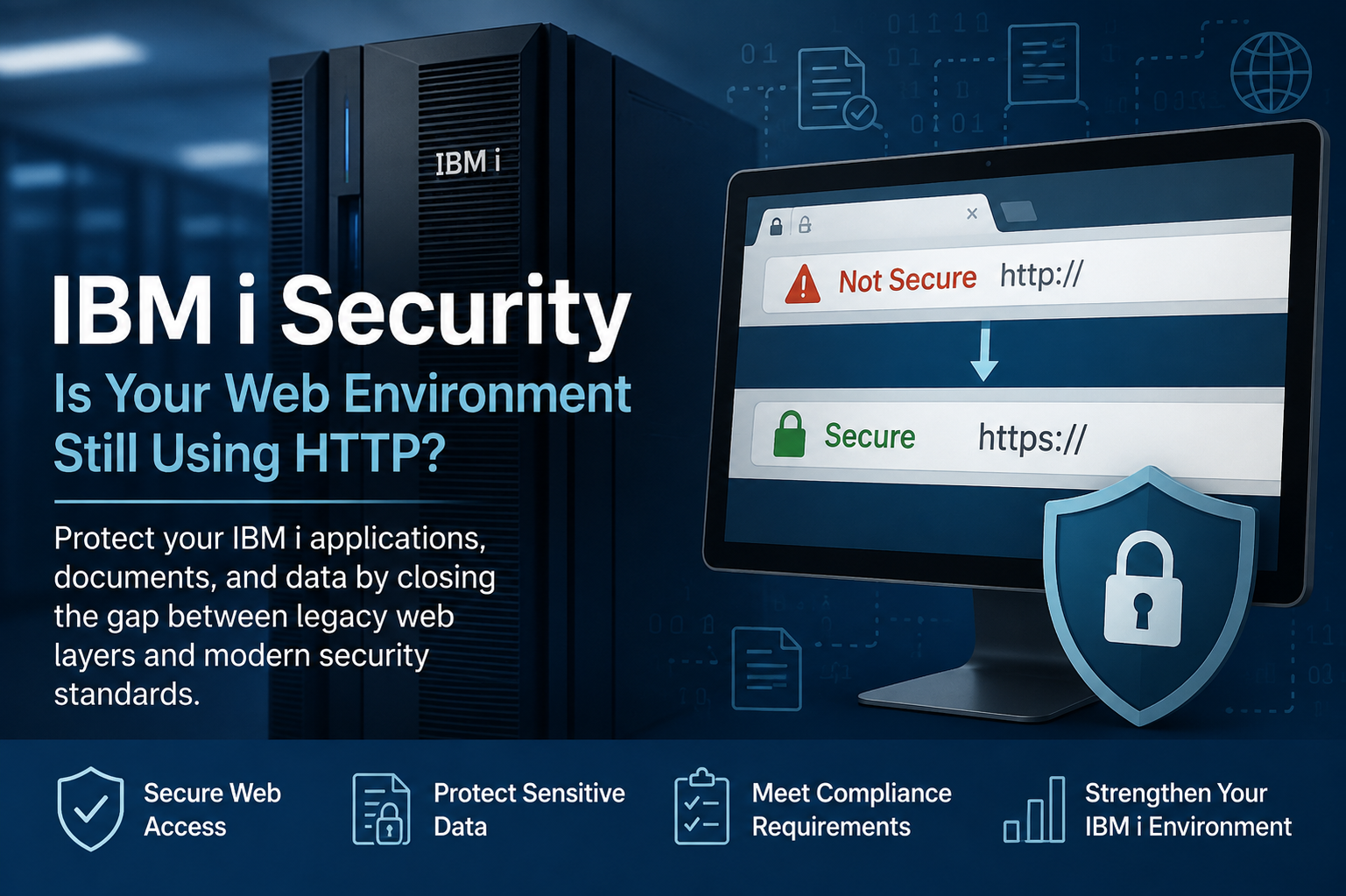
A recent scan of publicly identified IBM i environments found that roughly 20% weren’t protected by a valid security certificate. In plain terms: one in five of these systems is still serving pages over HTTP instead of HTTPS — the exact configuration security teams have flagged as a baseline risk for over a decade.
That statistic isn’t really about certificates. It’s a signal. If a fifth of these environments never got around to something as basic as HTTPS, it raises a harder question: what else around IBM i has been left as-is while everything else in the business modernized?
Why This Keeps Happening
IBM i doesn’t demand constant attention the way a lot of other platforms do. It’s stable by design, which is exactly why it’s so easy to treat the surrounding infrastructure — web servers, forms, integrations, document workflows — as “set it and forget it” as well.
The result is a common pattern across long-running IBM i shops:
-
- The core system is current. Power10 hardware, current OS release, patched and supported.
-
- The web-facing layer is not. Old web server configurations, self-signed or expired certificates, HTML forms built a decade ago, and document delivery processes that haven’t changed since before mobile devices were a factor.
Nobody made an active decision to leave HTTP running. It’s usually the byproduct of a dozen small decisions — a form that “just needs to keep working,” a web app nobody wants to touch because the person who built it left the company, an integration project that got scoped around the ERP and never circled back to the front end.
What HTTP Exposes in an IBM i Environment
Running HTTP instead of HTTPS on an IBM i web application isn’t a cosmetic issue. It has real, specific consequences:
Data Travels in Plain Text
Anything submitted through an HTTP form — customer information, order details, employee data, financial information — can be intercepted in transit. Browsers increasingly flag these pages directly to end users as “Not Secure,” which is its own credibility problem for customer- and partner-facing portals.
HTTP Can Signal Broader Security Gaps
It’s often a symptom, not an isolated issue. Environments still running HTTP tend to also be running older TLS configurations, outdated web frameworks, and authentication methods that haven’t kept pace with current standards. HTTP is rarely the only overdue item — it’s usually the most visible one.
HTTP Can Undermine Compliance
Whether the relevant framework is PCI DSS, SOC 2, HIPAA, or a customer’s own vendor security questionnaire, unencrypted data transmission is one of the first things an auditor or security reviewer checks. An HTTP-served form can turn what should be a routine audit into a scramble.
The Risk Extends Beyond the Web Page
Document delivery, e-signature workflows, and self-service portals built on top of an insecure web layer inherit that same exposure — even if the underlying IBM i data and applications are otherwise well protected.
The Broader Pattern: Legacy Web, Not Legacy IBM i
It’s worth being precise about what’s actually outdated here, because it’s not the platform.
IBM i continues to run core ERP, financial, and operational systems for thousands of organizations, and for good reason — it’s reliable, well-understood, and deeply integrated into how these businesses operate. The modernization gap isn’t in the platform. It’s in the layer of forms, portals, and document workflows that were built around it years ago and never revisited.
That distinction matters because it changes the conversation. This isn’t a “should we replace IBM i” conversation. It’s a “what’s actually touching the outside world and is it still appropriate for 2026” conversation — a much narrower, more manageable question.
How Does Your IBM i Web Environment Measure Up?
These five questions can quickly reveal whether the web layer around your IBM i environment may need attention.
Do any customer- or employee-facing web pages connected to IBM i show a “Not Secure” warning in the browser?
When was the last time the certificate on your IBM i web server was renewed — and do you know who is responsible for renewing it?
Are any forms still collecting sensitive information — SSNs, payment details, employee data — without encryption in transit?
Could you produce an audit trail today showing who accessed or submitted a given document, and when?
If a customer or auditor asked how documents are securely delivered from your IBM i applications, could you answer confidently in one sentence?
Where to Go From Here
The good news is that these gaps are often contained and fixable without disrupting the IBM i systems that are already working well. Updating an HTTP configuration, modernizing forms, or strengthening document delivery doesn't necessarily require changing your core IBM i applications or the business logic behind them.
The first step is knowing where you stand. Identifying which parts of your environment may be exposed — and which are already secure — helps you prioritize the right improvements instead of guessing.
IBM i earned its reputation for reliability by being a platform organizations can depend on. The web, forms, and document workflows surrounding it deserve the same attention.
Talk with an ACOM IBM i specialist about modernizing the web, forms, and document workflows surrounding your IBM i applications — without disrupting the core systems you rely on.
Review My IBM i Environment